


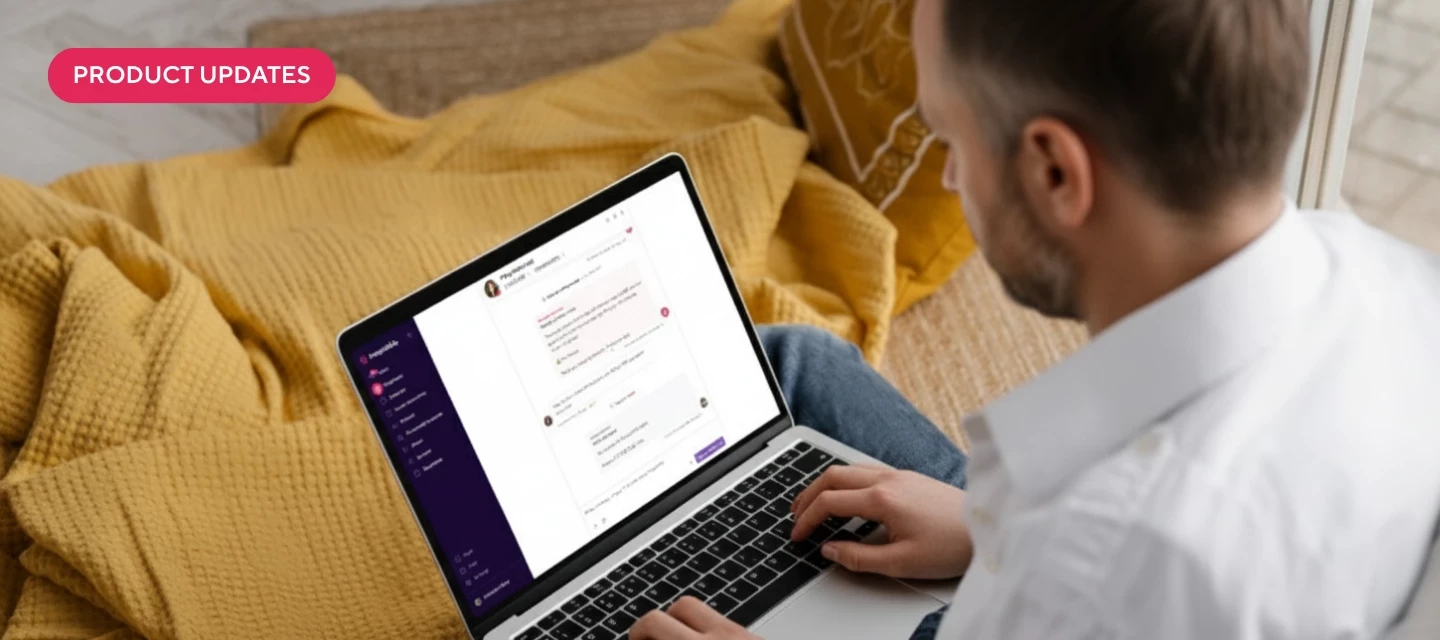



We’ve made some exciting updates to our Auto-Reply capabilities that makes communicating with guests even easier! There are also some new partners worth checking out that are now listed in our Apps page.
Inbox AI
Auto-Reply and Suggest with AI has access to new data
- We now train it with detailed knowledge about security deposits, trip insurance, and financials for each reservation
- It will accurately answer guests’ questions about their deposit timeline and status
- It knows whether trip insurance is available or has been purchased, including the details about purchase price, date, certificate number, coverage dates, and coverage amount
- It understands the reservation financials that are in the conversation sidebar, such as the breakdown of fees, discounts, and taxes
Fallback messages for Auto-Reply
- You can set a custom message to automatically send to guests when Auto-Reply is unable to generate a response due to unsupported topics
- This helps avoid awkward gaps in conversation and set clear expectations for guests
- You can control and customize this in the Inbox AI settings under Guest Experience
Direct
Earning reports and 1099-K forms are available
- Your 1099-K forms are now generated and available for review before filing at the end of March
- You can easily access your 2025 earning reports through the Settings tab
- Tabs for different years make it simple to view and track earnings
- Payout data now includes all sources, including upsells and trip insurance
Custom meta-tag for Google Vacation Rentals support
- Easily add a meta-tag to your custom site's header to validate your property for display on Google Vacation Rentals
- You’re no longer limited by the use of the Hospitable booking widget
- You can choose between using property UUID or property ID for the meta-tag
- Updated documentation and original request thread available for more information
Messaging Rules
Color coding for clearer shortcode usage
- New color coding for shortcodes in messaging rules: green for available, purple for custom, and red for valid but unavailable
- This makes it easier to understand why certain shortcodes may not be working in specific messaging rules
- Non-existent shortcodes still appear as plain text
Integrations
Crew
- We now have a detailed Apps page for Crew
ProhostAI
- We now have a detailed Apps page for ProhostAI