


Hello! Pedro here from the Engineering team 👋
We're excited to share that you can now use Hospitable in Dark mode, with a more comfortable and polished experience across the app.
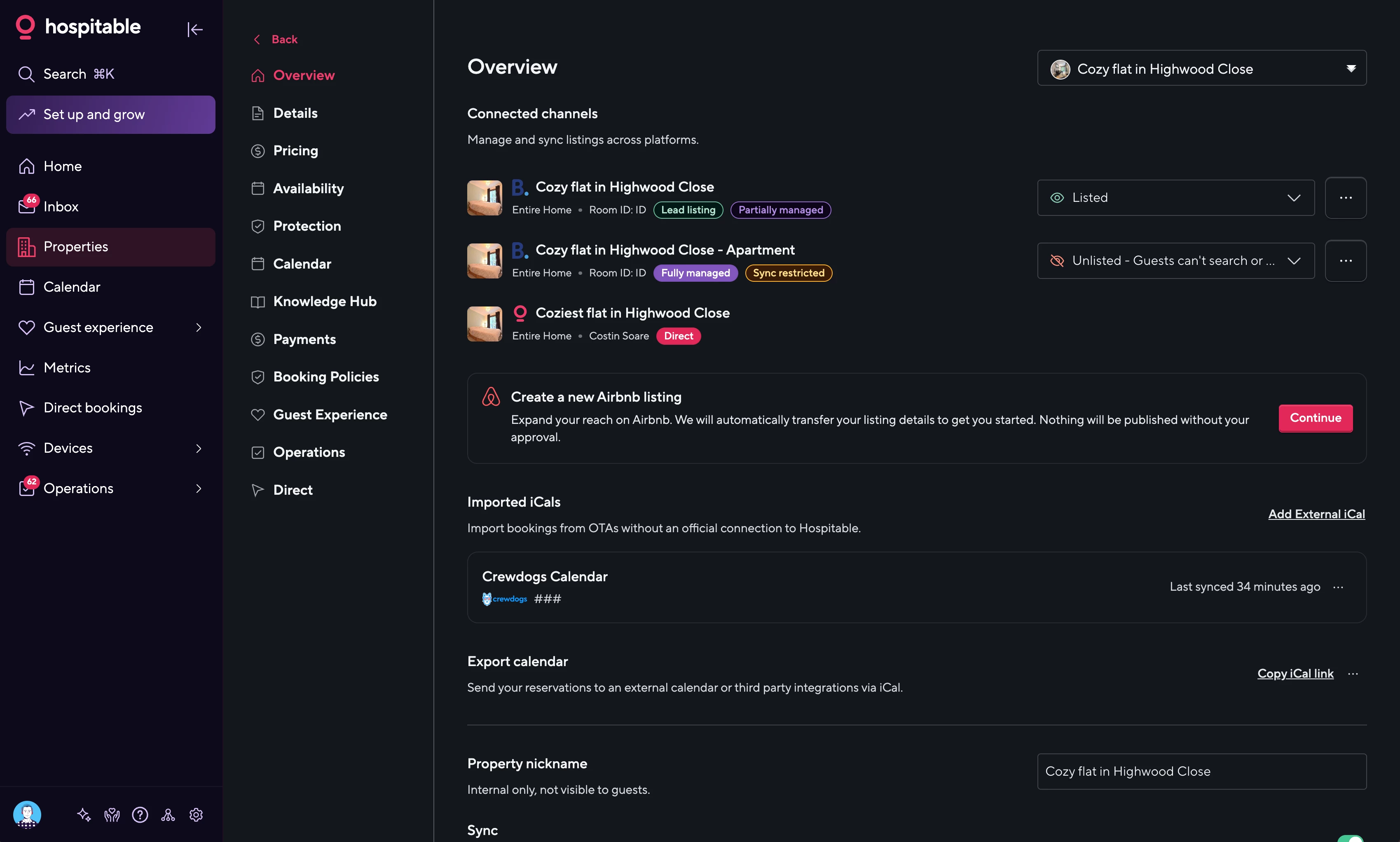
You can choose between:
- Light
- Dark
- System (matches your device automatically)
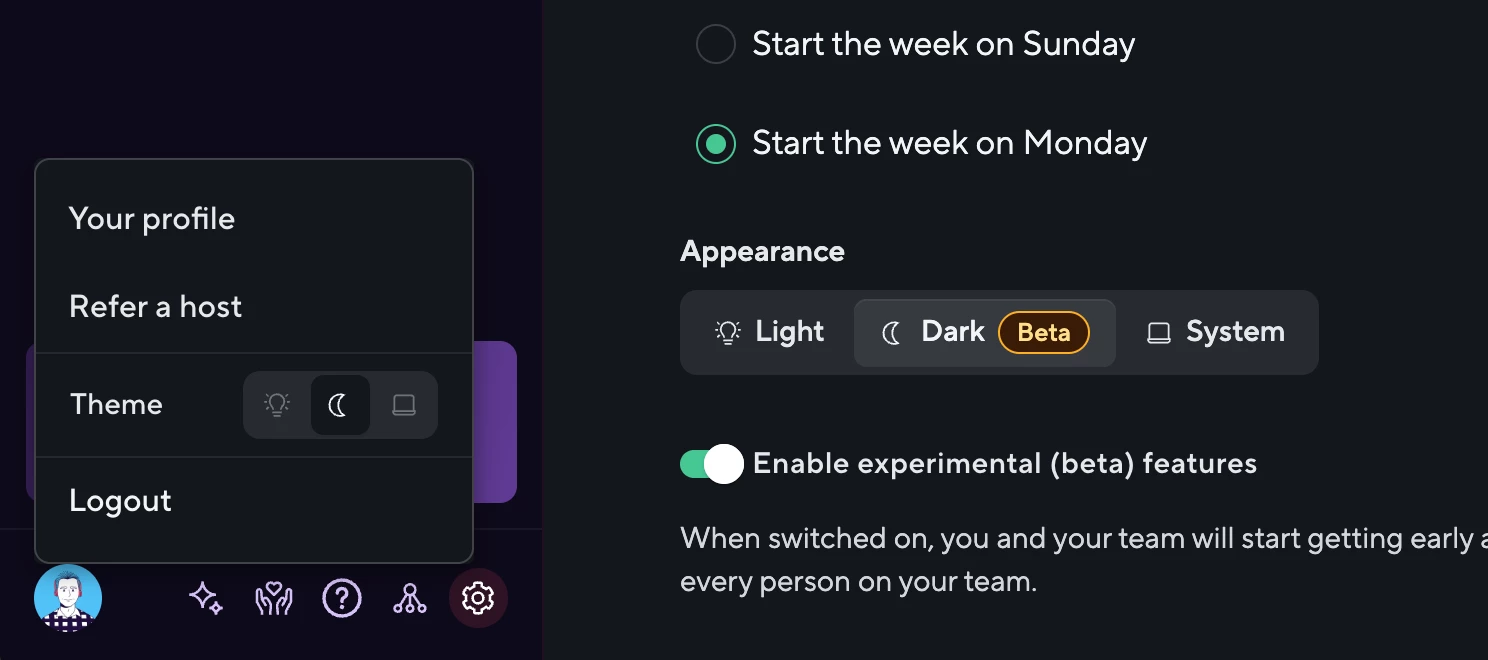
The theme picker is available in the sidebar profile menu, mobile menu, and Settings → General. Your preference is saved across sessions, and the correct theme loads immediately.
This update includes thoughtful refinements throughout the app, including:
- Improved tables, forms, and inbox views
- Better contrast and readability across dark surfaces
- Smoother overlays, focus states, and loading states
- Dark-mode-friendly platform icons and mobile navigation
- Motion settings that respect your OS accessibility preferences
Dark mode is currently available as a Beta feature.
To enable it:
- Go to Settings → General
- Enable Beta features
- Choose your preferred theme under Appearance
We’d love to hear your feedback. 💜