


Hospitable is the first official MCP server from a short-term rental platform

  • April 2, 2026
  • 37 replies
  • 1930 views
Show first post

37 replies

Nik Logachev
Hospitable Team Member
Forum|alt.badge.img
  • Hospitable Team Member
  • April 19, 2026

@AlphaApexHomes ​@anthonyrallo ​@britt As of today, MCP is now available on Legacy plans as well. Enjoy!


AlphaApexHomes
New Participant
Forum|alt.badge.img+1

@Nik Logachev AMAZING. Thank you!


Homelike.ca
Known Participant
Forum|alt.badge.img+1
  • Known Participant
  • April 20, 2026

Has anyone been able to fully replace Hospitable AI reply system with claude? 


TheRiverfrontChalet
Participating Frequently
Forum|alt.badge.img+1

TLDR: MCP has grown from 22 → 38 tools since v1.  Four of the six gaps the original doc flagged have closed — Knowledge Hub CRUD, calendar writes, manual reservation CRUD, and public review responses.

Version 2 (attached as PDF) captures all of that plus two new sections: Test Scenarios (four generalized workflow patterns) and AI Identity Architecture (draft-assist vs. automated-response modes, and why the distinction matters). ​@Homelike.ca  — the AI Identity section addresses your question directly.

* (Acronym definition: CRUD = Create, Read, Update, Delete.)


Quick update to the governance guide I shared earlier in this thread:

A lot has shipped since v1. The MCP connector has grown from 22 tools to 38, and four of the six gaps v1 called out have closed:

• Knowledge Hub — read + full CRUD (this is the big one, since the KB is what the Inbox AI actually reads from when composing)
• Calendar write access — availability, pricing, min stay, check-in/out, calendar notes
• Manual reservation CRUD — OTA reservations remain read-only, which makes sense
• Public review responses via respond-to-review

Plus a handful of new capabilities: direct-booking quotes, iCal imports, enrichment writes, property tags, and a get-tool-schema helper that keeps the tool catalog lean.

Version 2 (attached as PDF) captures all of that, and adds two sections that weren't in v1:

• A Test Scenarios section with four generalized workflow patterns — grounded review responses, KB identity architecture, calendar precision updates, and the platform feedback flow.
• A section on AI identity architecture framing Hospitable's Inbox AI as two modes (draft-assist vs. automated-response) with different identity needs.

Also flags one newly-identified gap around AI Assistant settings that aren't yet exposed via MCP (attribution footer, escalation message, escalation policy).

@Homelike.ca  — your question about whether anyone's fully replaced Hospitable's AI reply system with Claude is a good one, and the AI identity section in v2 gets at why the answer is nuanced. Short version: on non-Mogul plans you're in draft-assist mode anyway (AI proposes, you send), so "replacing" is less binary than it sounds. On Mogul with automated responses enabled, identity coherence across the AI's output + the platform's attribution footer + the escalation message becomes the real question. Worth investing KB time on before flipping the switch. Happy to go deeper if useful.

Big thanks to ​@Nik Logachev  and team for the velocity — it's rare to see a product team ship against community feedback this responsively.

As with v1, this is a host-built reference cross-checked against the UI. Corrections, disagreements, or scenarios you'd like added in a future revision are welcome.


Sweeper
Participating Frequently
Forum|alt.badge.img
  • Participating Frequently
  • April 21, 2026

Now THIS i am excited about. I’ve been using Claude and built so many custom integrations - lock control with my 3rd party lock service, rate management tools, this is awesome. 

I have been using the Hospitable device feature to control my Yale locks, and it’s worked great. But I have one lock on a co-hosted property that does not integrate with Hospitable Nest/Yale, so I have to create and add codes manually… This would be awesome if I could use Claude. You mind sharing how you connected?


JenofLions
Participating Frequently
Forum|alt.badge.img
  • Participating Frequently
  • April 21, 2026

Has anyone been able to fully replace Hospitable AI reply system with claude? 

Not yet. I’ve responded to one off messages using Claude instead of opening Hospitable but haven’t built anything fully automated.


Homelike.ca
Known Participant
Forum|alt.badge.img+1
  • Known Participant
  • April 22, 2026

@TheRiverfrontChalet yes please, would love to see if anyone can have an AI bot answering all the incoming messages etc


TheRiverfrontChalet
Participating Frequently
Forum|alt.badge.img+1

TLDR: The leverage isn't in replacing Hospitable's AI agent — it's in elevating it. Use Claude (via MCP) to coach your Knowledge Hub, architect AI identity, draft grounded review responses, and work through the thorny one-offs that don't have stock answers. Then hand the resolved patterns back to Smarty (Hospitable's AI agent) so the next time that question comes around, it's handled. Smarty plus Claude isn't an either/or — it's a feedback loop that gets smarter over time.

---

@Homelike.ca  ​@JenofLions  — great question, and one we've been thinking about a lot.

Short answer: yes, you could technically wire Claude (or any MCP-connected AI) to handle incoming messages directly. We've done one-offs the same way Jen described. But after spending real time with this, we've landed somewhere different — and we think it's worth sharing because it might be more useful than the "fully replace" framing suggests.

The leverage isn't in replacing Hospitable's AI agent. It's in elevating it. Hospitable's agent (Smarty) is more capable than most of us give it credit for — but only if it's properly grounded. The Knowledge Hub is the lever, not the chat interface.

Here's what's been working for us:

  • Claude is the coach. We use Claude (via MCP) to query our reviews, audit our past replies for tone and accuracy, identify gaps in our Knowledge Hub, and rewrite KB items that were vague, contradictory, or missing context. That's hours of work, but it's the foundation everything else rests on.
  • Claude is the identity architect. We built a multi-item "WHO YOU ARE" topic in the KB that explicitly defines the AI's voice, escalation triggers, attribution rules, and what to do when guests ask if they're talking to a bot. Took the KB from a reference document to an active steering input.
  • Claude is the review-response collaborator. Pulls the reservation, the message thread, the public + private review feedback — drafts a grounded response — we approve and publish via MCP. Five minutes per response, and they read like we wrote them (because we did, just faster).
  • Claude is the thinking partner for the thorny stuff. The escalated guest situations, the unique one-offs, the messages that don't have a clean stock answer — these are where Claude actually earns its keep. Pull the full context, debate the right approach, thread the needle on tone and substance, then craft the reply together. This is the heavy lifting Smarty isn't built for, and it shouldn't be — that's not its job.
  • Smarty is the front line. With proper grounding, Hospitable's agent actually performs really well — particularly in draft-assist mode where you stay in the loop, but increasingly in automated mode too as the KB matures.

The piece that ties this all together: every thorny one-off becomes an opportunity. Once we've worked through a tricky scenario with Claude and landed on the right approach, that resolved case gets handed back to the Knowledge Hub as a new stock answer for Smarty. So the next time a similar question comes in — and they always come around again — Smarty handles it cleanly without us touching it. The cumulative effect is a system that gets smarter and more autonomous over time, where the routine work stays routine, and Claude-quality attention stays reserved for the genuinely novel stuff. Smarty plus Claude isn't an either/or — it's a feedback loop.

The reason we haven't gone "fully Claude" on inbound messaging is honestly an opportunity-cost calculation. Claude's most powerful capabilities aren't in the front-line response — they're in everything upstream of it.

The full pattern (with test scenarios and the AI identity architecture stuff) is in the v2 PDF I attached upthread, if either of you want the deeper dive. Happy to go further on any of this — and Jen, would genuinely love to compare notes if you're heading in a similar direction.


andrewg
New Participant
Forum|alt.badge.img
  • New Participant
  • April 23, 2026

I have connected it to ChatGPT developer Mode and consistently get this response in the GPT that I have created: “I do not have live Hospitable/MCP access in this chat” In apps it says it is connected and refreshed today.  When in a normal chat it will work, but not in the created GPT.


TheRiverfrontChalet
Participating Frequently
Forum|alt.badge.img+1

@andrewg  -- you're not doing anything wrong. This is a known ChatGPT-side limitation rather than a Hospitable issue, and it's something a few of us have run into.

Quick context: ChatGPT shows the connector as "connected" and "refreshed" because the registration step succeeded, but actual tool execution gets blocked at runtime — which is why your custom GPT keeps responding as if it doesn't have access. The underlying error (when you can see it) is usually "FORBIDDEN: This conversation does not support developer MCPs." Custom GPTs seem particularly affected, since they layer their own permission model on top of standard developer mode and MCP authorization doesn't always pass through cleanly.

Two things worth trying:

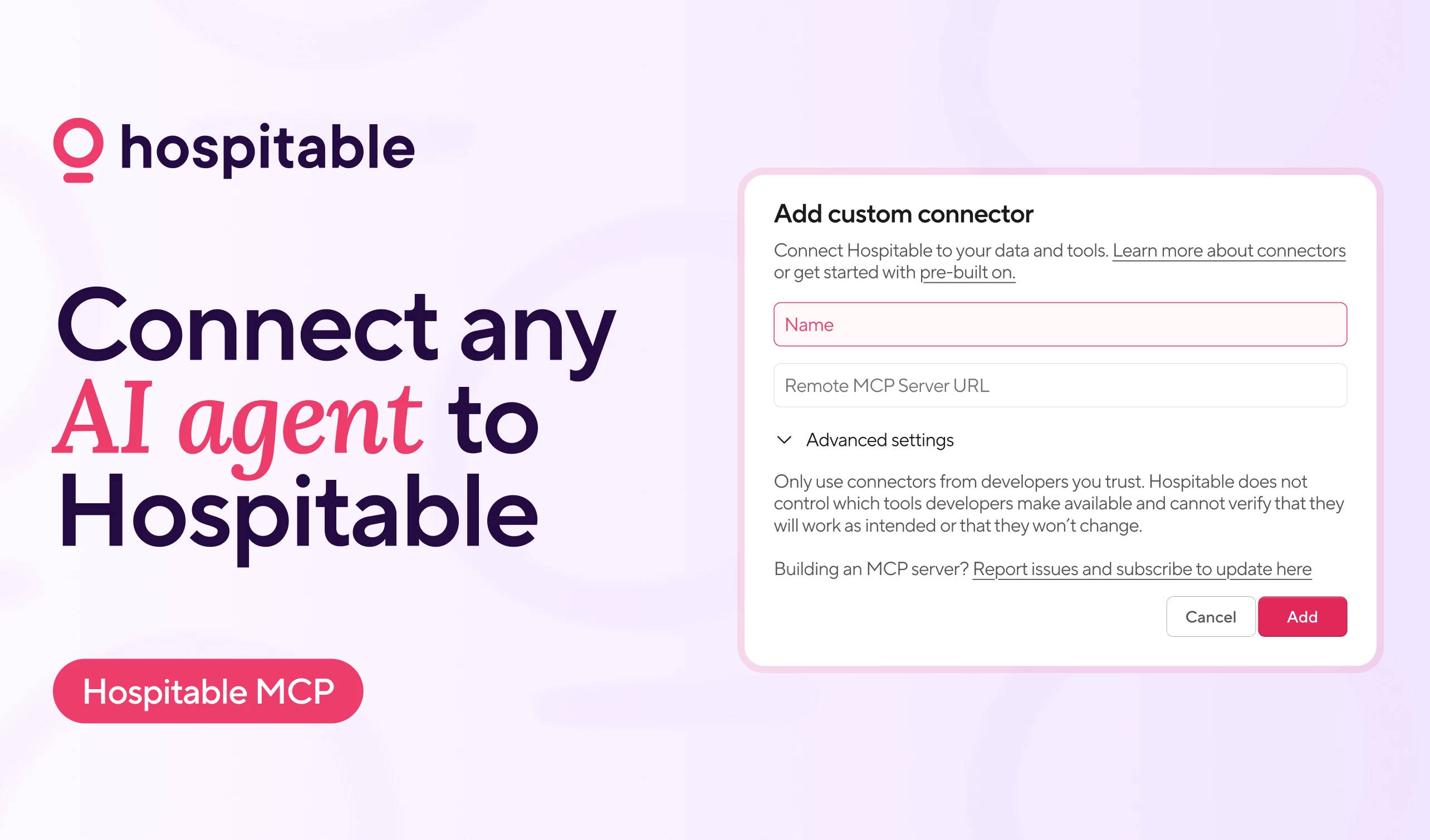
  1. Test the same MCP connector from Claude.ai (Settings → Connectors → Add Custom Connector → enter the Hospitable MCP URL). If it works there, you've confirmed the MCP itself is fine and the issue is isolated to the ChatGPT side. In our testing, Claude.ai has been the most reliable platform for actually executing Hospitable MCP tools — ChatGPT has been hit-or-miss depending on the conversation type.
  2. Try a regular ChatGPT conversation (not a custom GPT) with developer mode enabled, and see if tool execution works there. If it works in a standard chat but not your custom GPT, that confirms the custom GPT permission layer is the blocker.

Worth noting: ChatGPT itself (in our case, our ChatGPT instance "Sage") has actually called this out unprompted. When we ran the same diagnostic test, Sage returned the FORBIDDEN error directly and then proposed a practical division of labor: use ChatGPT for planning, drafting, KB and governance work; use Claude for live MCP read/write actions; and keep Hospitable's native UI as the final operational fallback. That's a useful framing — ChatGPT isn't out of the picture, it's just better suited for the upstream work right now while platform-side MCP support matures. Credit to Sage for being honest about her own platform's current limits.

We documented this pattern in more detail in the v2 PDF I posted upthread (in the "AI Platform Compatibility" section), if you want the longer version. The short version is: the MCP server itself is solid — it's the platforms that vary in how they handle execution. Hospitable can't really fix this one; OpenAI has to.

Hope this helps unblock you!


Steve
Participating Frequently
Forum|alt.badge.img+2
  • Participating Frequently
  • April 27, 2026

Where would I request a tool be added to the MPC server to pull login info and any other audit logs?  I’d like to have an AI use that to prompt me on what I did for my time logging for REP status.


Nik Logachev
Hospitable Team Member
Forum|alt.badge.img
  • Hospitable Team Member
  • April 28, 2026

@Steve tell your AI agent to submit that feedback and we’ll receive it ;)