


On top of us releasing our new Essentials plan, we also introduced Hospitable MCP, which allows you to connect to AI agents and create custom workflows for your business! You’ll also see improvements to Hospitable Tasks and the new Search functionality.
AI
Hospitable MCP (Model Context Protocol) is now live 🤖
- You can now connect your Hospitable account to compatible AI agents, like ChatGPT
- Once connected, your AI can help manage properties, reservations, guest messages, payouts, calendars, and more
- You can create custom workflows by retrieving data about your properties, reservations, calendars, and transactions
- You can even automate the sending of guest messages, plus much more
- Learn more about connecting and using the Hospitable MCP in this detailed help article
Operations
Show non-accepted tasks in the portal ☑️
- Your teammates non-accepted tasks will now show up on both the dashboard and calendar
- This update eliminates confusion and ensures all assigned tasks are visible
Easily add payment for tasks during task creation 💳
- You can now add a payment amount during task creation
- There’s no longer a need to create a task and then go back and edit to set up payment
- This simplifies teammate payment flows for hosts and property managers
Task assignment reminders 💌
- Your teammates will receive an email notification after 48 hours if they have not responded to an assigned task
- Tasks requiring attention are grouped into one email to avoid overwhelming notifications
- The email notifications are translated into the teammate's preferred language
Easier login to the teammate portal with SMS 📲
- Your teammates can now log in using their mobile phone number
Teammate’s details editing 🪪
- Teammates can now update their own email and phone number in the account section of the teammate portal
- This also applies to secondary users and displays a confirmation message
- You can no longer update your teammates' details if they’ve accepted their invitation, they must use the teammate portal account
Search
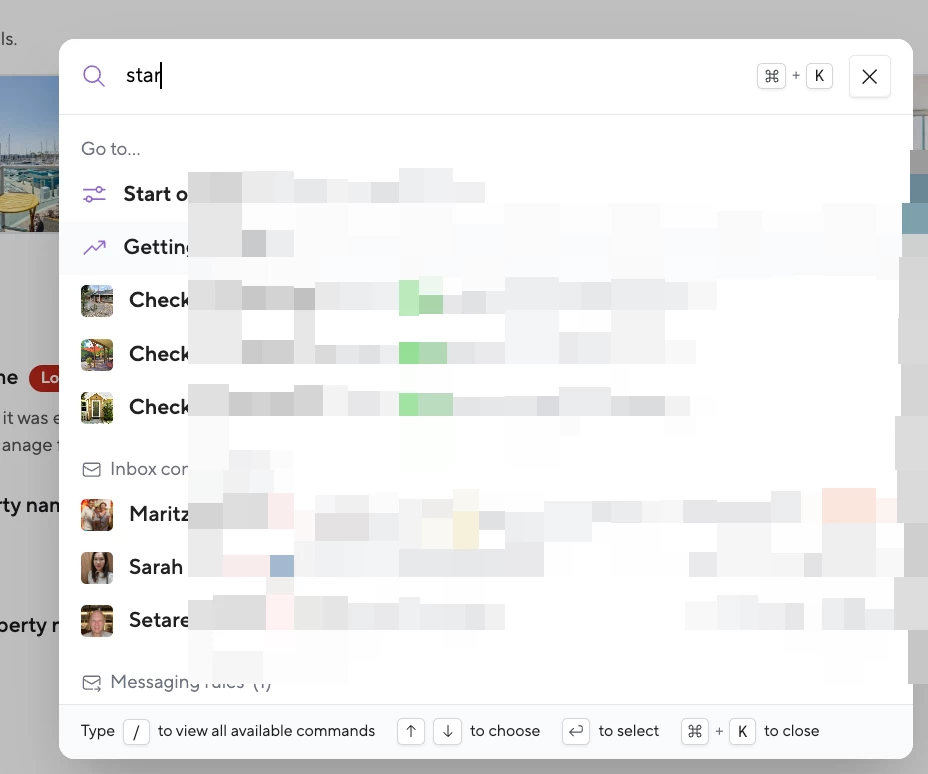
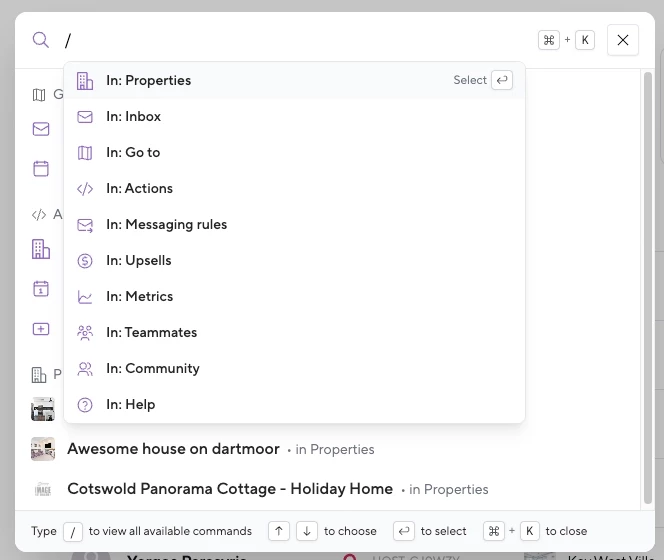
Search directly links to property setting fields 🔍
- Lookup and easily navigate to specific property settings
- Quickly get to settings like pet fees, turnover times, and dynamic pricing min price fields
- This helps streamline the process of updating and managing property settings
Metrics
Host and Essentials metric dashboards updates 📊
- Overview dashboard now includes:
- Revenue and upsell revenue displayed as single values and in a bar chart
- Reservation count and bookings by platform shown in a pie chart
- Occupancy all nights, average nightly rate, average length of stay, and cancellation rate metrics
- Reservation financials by reservation and guest details
- Airbnb notifications
- Quality dashboard now includes:
- Average review displayed as a single value and in a bar chart
- Airbnb listing status and quality ranking
- Top issue alerts and reservation issues
- Negative tags, latest bad reviews, latest issues, and latest 5 star reviews
- Essentials users now have access to the same 2 dashboards as host users for improved metrics tracking