



Blocking dates on the calendar for an owner stay, a maintenance visit, or a long-term guest booked outside of Hospitable? You can now keep your thermostat running as if the property were occupied instead of dropping it into Unoccupied mode.
When you block dates on the calendar, you'll see a new toggle: Use Occupied preset for this block. It's off by default.
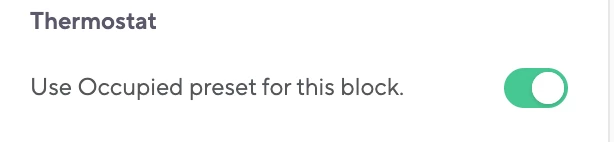
Turn it on when someone will actually be at the property during the block. Hospitable will keep the Occupied preset active for the whole block, and whoever's there has full control of the thermostat for the duration of the block - no overrides, no fighting the schedule.
Leave it off for regular blocks where no one is at the property. Hospitable will manage the thermostat as usual and apply the Unoccupied preset.
The toggle only shows up on properties with a linked thermostat, and it applies to that block only meaning it won't change your default thermostat behavior.
👉 More detail in the help article: Change Your Property's Availability
Have a use case we haven't thought of, or something you'd want the toggle to do next? Drop it in the comments or on feedback.hospitable.com — we're listening.