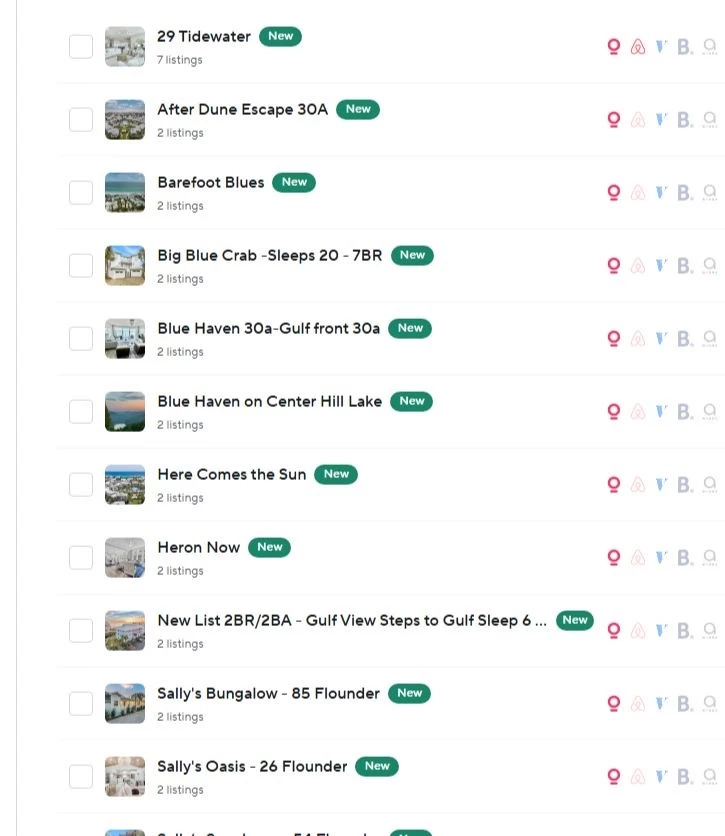



This impacts hosts who were still using the legacy login connection to Vrbo. If you are already connected via the Chrome extension, no action is required. We’re currently working on an official integration with Vrbo which will resolve these issues permanently. We’re targeting a launch date at the end of March.
As of yesterday, Vrbo has closed the login and password authentication method that powered our existing connection. That path no longer works for reauthorization.
We have been preparing for this possibility since Thanksgiving 2025. During that period, Vrbo briefly changed their authentication method for several days and then restored it. Because we saw that pattern emerging, we developed and gradually rolled out the Chrome extension as a fallback option. We kept it available while the original connection method continued working for most accounts.
In January, new Vrbo accounts could no longer connect using login and password. We updated our product so new connections would use the Chrome extension. Existing accounts continued working for nearly two more months.
Yesterday, March 3, Vrbo shut down the reauthorization path entirely.
This change is outside of Hospitable’s application and outside of our control. No amount of engineering or customer support intervention can change how Vrbo handles authentication.
What you need to do now
If you have one Vrbo account:
- Install the Chrome extension.
- Follow the steps here.
- Stay logged into Vrbo in that Chrome profile.
- You do not need to keep the browser open or actively use Chrome, but do not log out of Vrbo.
If you have multiple Vrbo accounts:
- Create a separate Chrome profile for each Vrbo account.
- Install the extension in each profile.
- Log into Vrbo within the matching Chrome profile.
- Do not switch Vrbo accounts within the same Chrome profile, as this will disconnect the previous account.
Does it work?
Today, 66% of Vrbo users are connected via the Chrome extension. Of those, 93% are successfully connected right now, and 53% have never experienced a disconnection.
The average session duration is 45 days.
This is not a daily login requirement. Once connected, you do not need to stay online or keep your computer open. You simply need to remain logged into Vrbo in that Chrome profile.
Official Vrbo integration
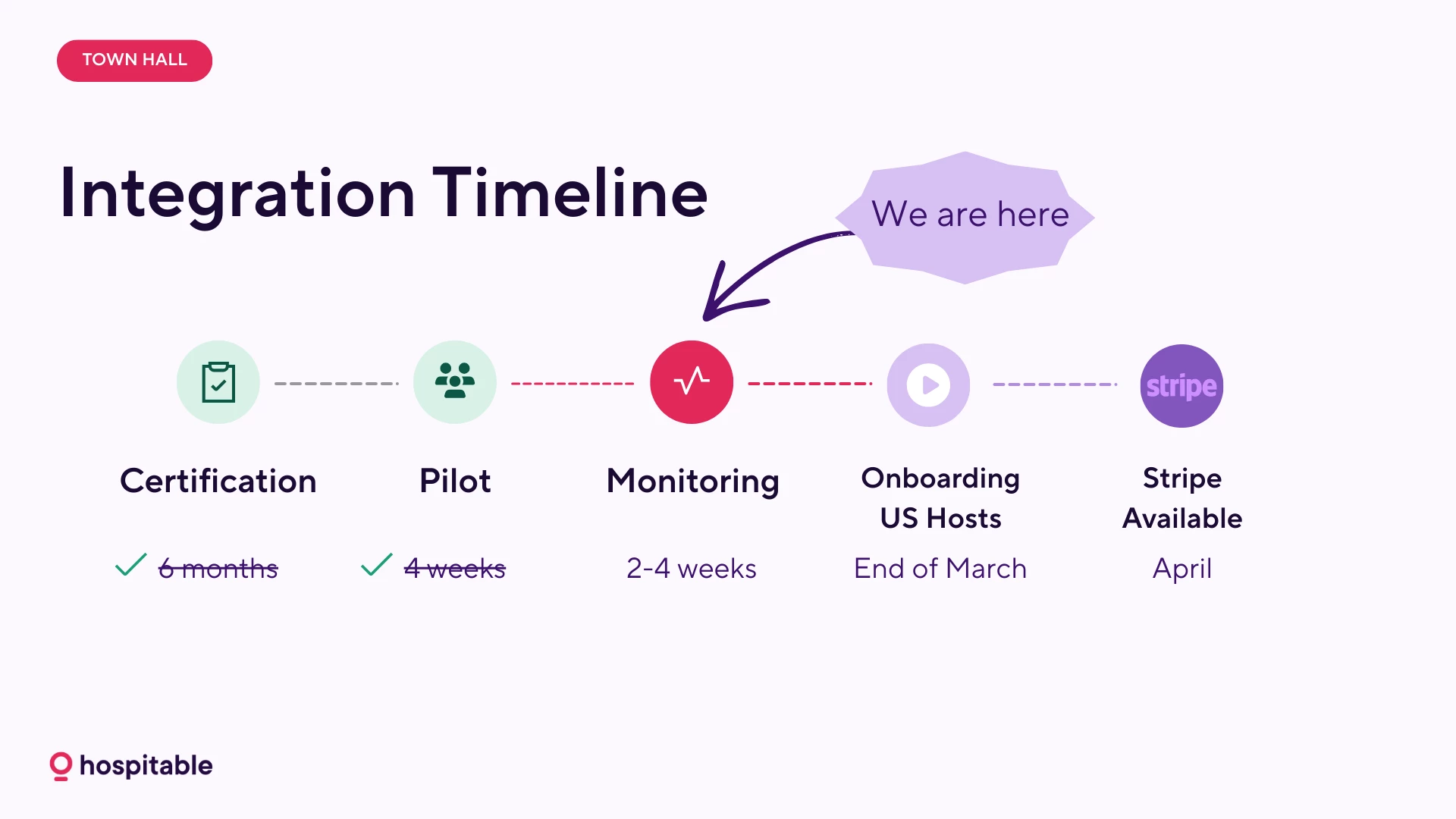
We are actively collaborating with Vrbo’s connectivity team and are working toward full production certification this month, March 2026. This remains our top priority.
Timeline shared on the Town Hall (March 4, 2026):
Support capacity
Our Support team is currently experiencing very high volume. We’re doing our best to get back to everyone as quickly as possible.
Note that there is no alternative solution beyond the Chrome extension until we finalize the official integration.
Before contacting support, please follow the extension steps above and use Smarty in the app. Smarty can guide you step by step through the setup process and resolve most connection issues immediately. If you still need help after that, our team will assist as quickly as possible.
We will share updates as soon as the official integration is live.
Thank you for your patience as we work through this.